
06:18
Safari
"Paul Graham - Be Good"
Sherlock is Apple Notes, made smarter and proactive. It learns from your screen, writes automatically, and answers your questions.
Built & used by people from




Sherlock quietly reads your screen. No integrations needed.
06:18
"Paul Graham - Be Good"
06:17
"Homepage rewrite ideas for open beta"
06:15
"20VC Weekly"
06:12
"Launch idea brainstorming"
06:09
"Jake intro + founder sync"
Then it writes down what matters.
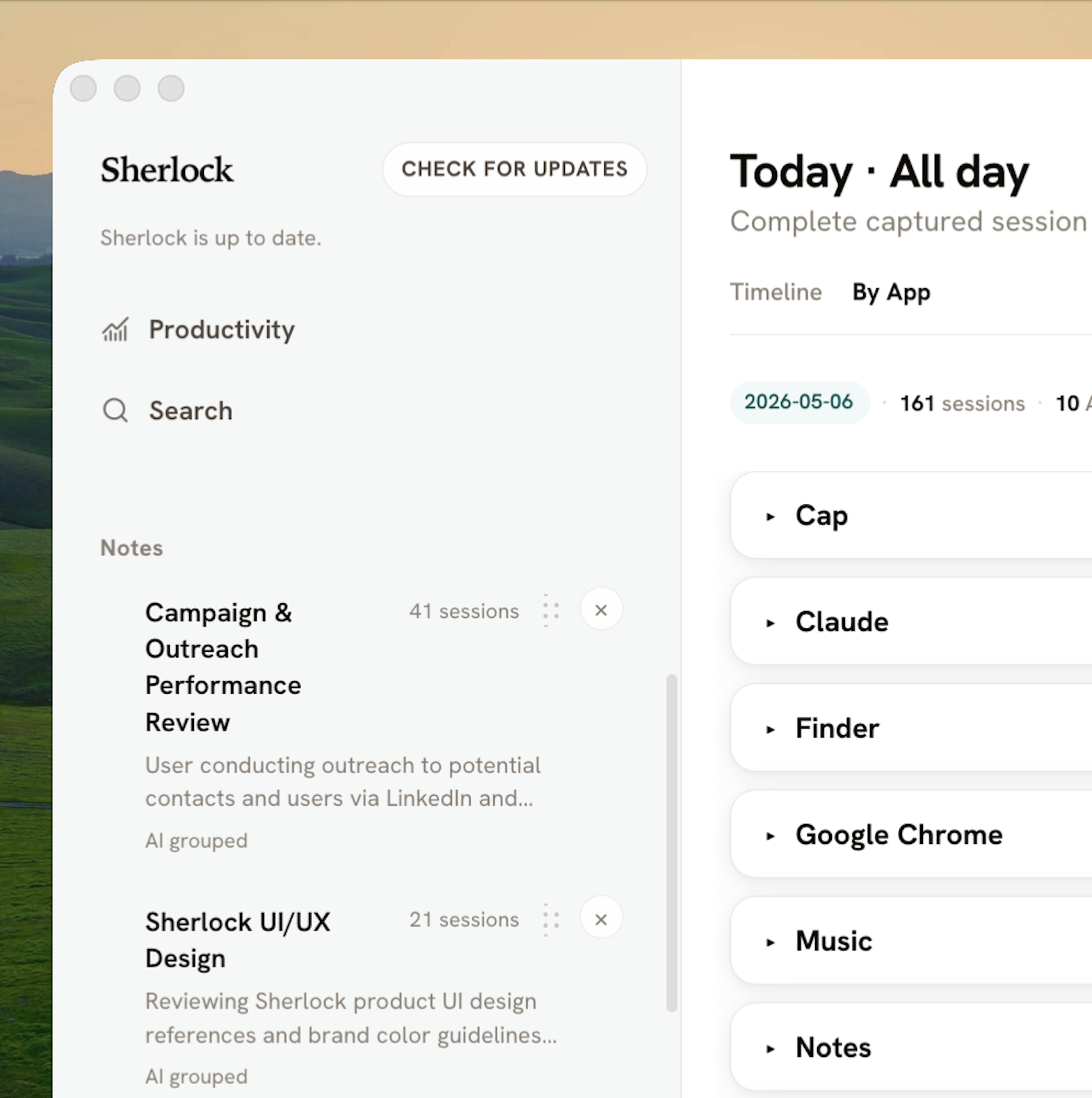
Leave Sherlock running while you browse, message, read, and write. It automatically organizes your work by activity and theme.
Sherlock turns your work into structured notes: what happened, what’s next, and what matters.
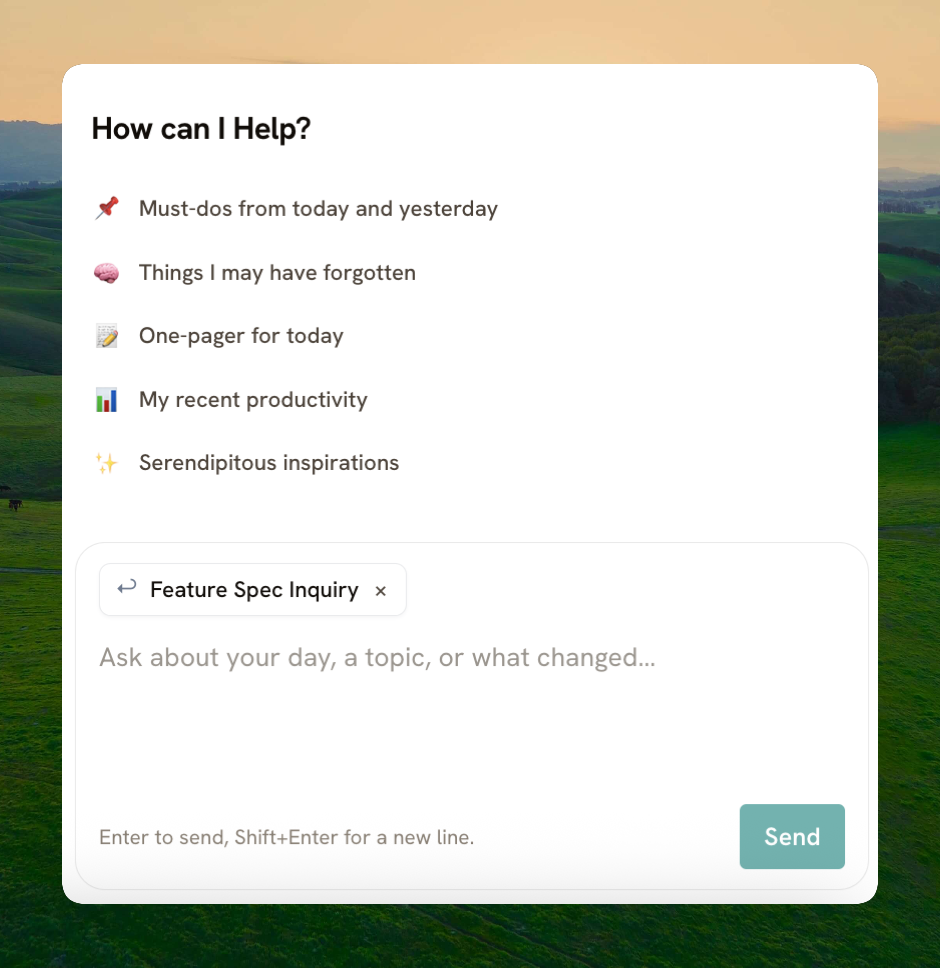
Ask our AI chat anything: your daily to-do list, a one-pager to share, even what you were working on before lunch.
Product manager @ Big Tech
It's like Granola, but for everything outside of meetings!
Your activity logs should stay on your computer.
Not someone else's.
Screenshots, activity logs, and recaps stay on your Mac.
Relevant text may be sent to LLMs like ChatGPT or Claude for summaries and chat. We never store or intercept it.
Pause capture, clear recent history, or wipe everything whenever you want.
No. At least not yet. Sherlock captures the rest of your day-to-day work context: messages, notes, docs, and the tabs you actually used.
No. Sherlock works by tracking what is already on your screen, so integrations are not required.
No. Sherlock is not screen recording 24/7. It mainly reads extracted text from your active work and only takes occasional screenshots when useful. Those screenshots are saved to your local folder, not our server.
Only your active work, open apps, and tabs. Never minimized windows, private or incognito tabs, or sensitive inputs like passwords.
Yes, anytime. Delete recent history or wipe everything. You are in full control.
Mac first. Windows coming soon.